
How do I download my invoice?
To view & download your invoice:
- Log into WP Tasty.
- Go to the “Billing” page.
- Find your purchase date and click “Get Invoice.”
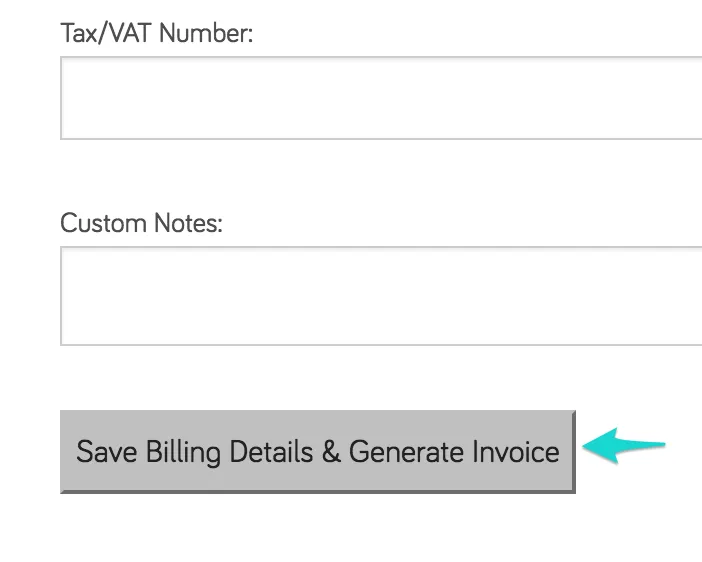
- Verify that your billing details are correct. If any changes are needed, click the “Update” button to get more details to update:
- Your invoice will appear in a web page. To download, click the “Download PDF” button.
