Each Tasty Link supports multiple keywords (or keyphrases) for a single link. Simply enter each keyword in the Keyword(s) field, separated by commas.
For example, if you want to link both “all-purpose flour” and “all purpose flour” (no hyphen) to the same product, you can enter both in a single Tasty Link:
all-purpose flour, all purpose flour
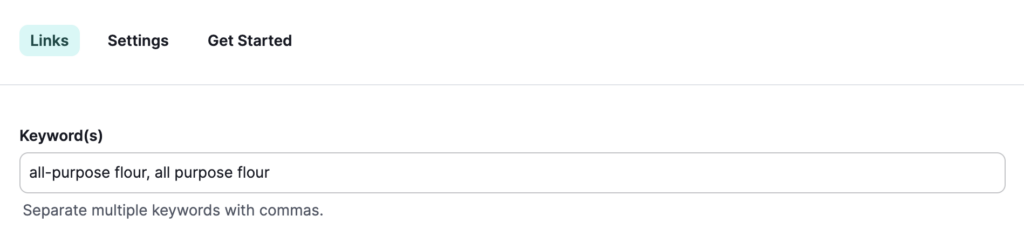
Any term that exactly matches one of your keywords (ignoring case) will be automatically linked — no need to create separate Tasty Links for each variation!
Note: Separate multiple keywords with commas. Each keyword will match independently, so variations in spelling, hyphenation, or phrasing can all point to the same link with ease.
