If you’re using Amazon Associates affiliate links on WordPress, then you need an Amazon affiliate plugin to stay organized, save time, and earn more.
Tasty Links auto-links your favorite products, pulls updated images with your Amazon Creators API, and follows all of Amazon’s rules, all without the stress.

Amazon link management that doesn’t eat your day
Organize all your Amazon affiliate links in one place.
Set your keywords, add your links, choose your options, and Tasty Links handles the rest. It sprinkles affiliate links in all the right spots (where you have those keywords) across your site.
No squinting at spreadsheets or hunting for the right URL. And you’ll never forget which post (or link) you updated last.

Every Amazon product mention becomes a link…automatically 🪄
Add your top Amazon affiliate products to Tasty Links once. After that, every time you mention those keywords on your site, they automatically become clickable affiliate links.
That means old posts get updated, too. You don’t have to go back through your archive manually.

Amazon product images that stay current
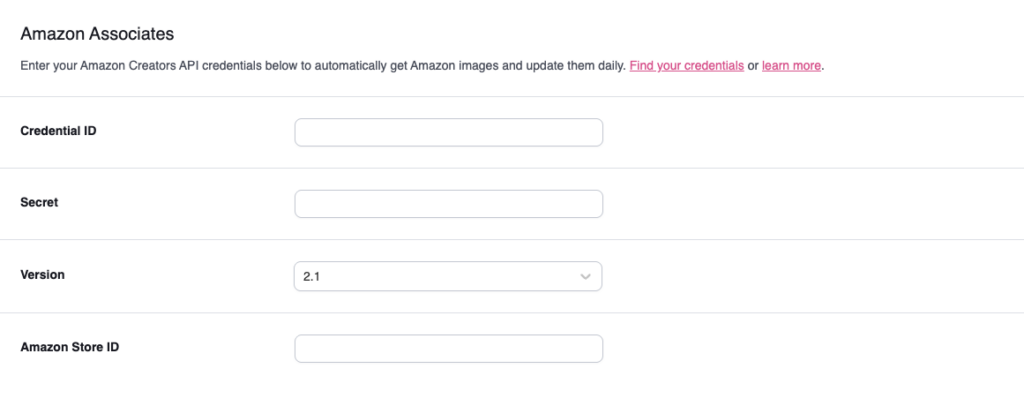
Connect your Amazon Creator’s API key, and Tasty Links pulls product images straight from Amazon — updated automatically whenever a product listing changes.
Install the plugin, add your API credentials, and your product photos stay accurate without you missing a beat.
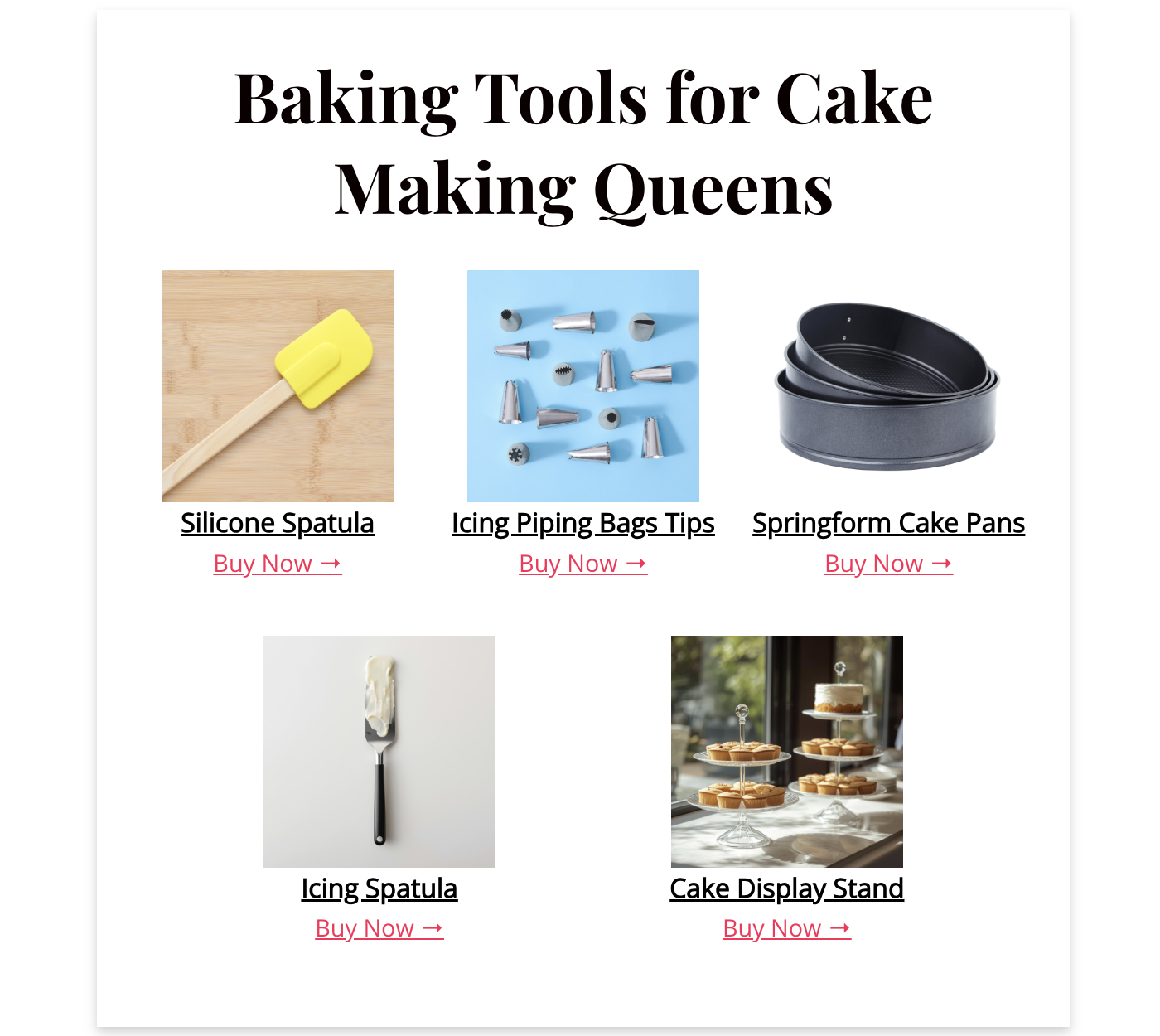
Want to take it further? The Tasty Links Featured Link block turns product links into full product displays with an image, title, and buy button for more clicks and higher conversions.

🔑 No Amazon API key yet? Tasty Links still handles automatic keyword linking while you wait for Amazon to approve yours.
Link to more products without adding more keywords
Tasty Links Keyword Variations let you link multiple related keywords to the same affiliate product. So “cast iron skillet,” “cast iron pan,” and “Lodge skillet” can all link to the same product without creating three separate links.
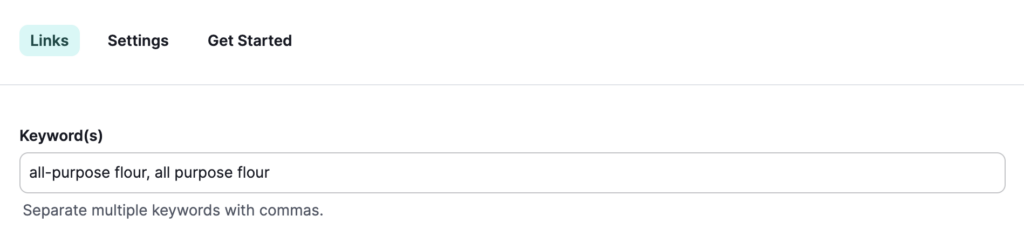
Your affiliate links reach further across your content with no extra work.
The Amazon affiliate plugin that keeps you on the right side of the rules
Amazon has strict affiliate policies for its affiliate marketers. Break them, and you could lose your account.
Or, you can just stay safe and up-to-date with Tasty Links
- Amazon-approved images pulled via API, so you’re never using screenshots or saved images
- Custom affiliate disclosures you control, added wherever you need them
- Broken link alerts so you know when a product link goes dead before Amazon does
No stress, no guesswork. Our WordPress Amazon affiliate plugin makes sure you’re following the rules so your Amazon Associates account stays in good standing.

Amazon Affiliate Plugin FAQs
- How do I add Amazon affiliate links to WordPress?
-
With Tasty Links, you add your affiliate link once and set the keywords you want it to attach to. From that point on, every mention of those keywords across your site becomes a clickable affiliate link automatically. Here’s a full walkthrough: How to Add Amazon Affiliate Links to WordPress.
- Do I need an Amazon API key to use Tasty Links?
-
No. You can use Tasty Links for automatic keyword linking without a Creators API key. The API key unlocks automatic product image pulling from Amazon, but the core linking feature works without it.
- Does Tasty Links work with Amazon SiteStripe links?
-
Yes. You can use any Amazon affiliate link format with Tasty Links, including links copied directly from Amazon SiteStripe.
- How does Tasty Links stay compliant with Amazon’s affiliate rules?
-
Tasty Links uses Amazon’s official Creators API to pull images, which means you’re using images in the approved way. It also includes customizable disclosure text and alerts you when a product link breaks.
- Can I use Tasty Links for affiliate programs other than Amazon?
-
Yes. Tasty Links works with any affiliate link: Amazon, LTK, ShareASale, Commission Junction, or any custom URL. Amazon is just one of many programs it supports.


