
How do I post a text link or banner in a blog post?
For a text link:
- Copy your affiliate link from Account → Affiliates → Affiliate URLs.
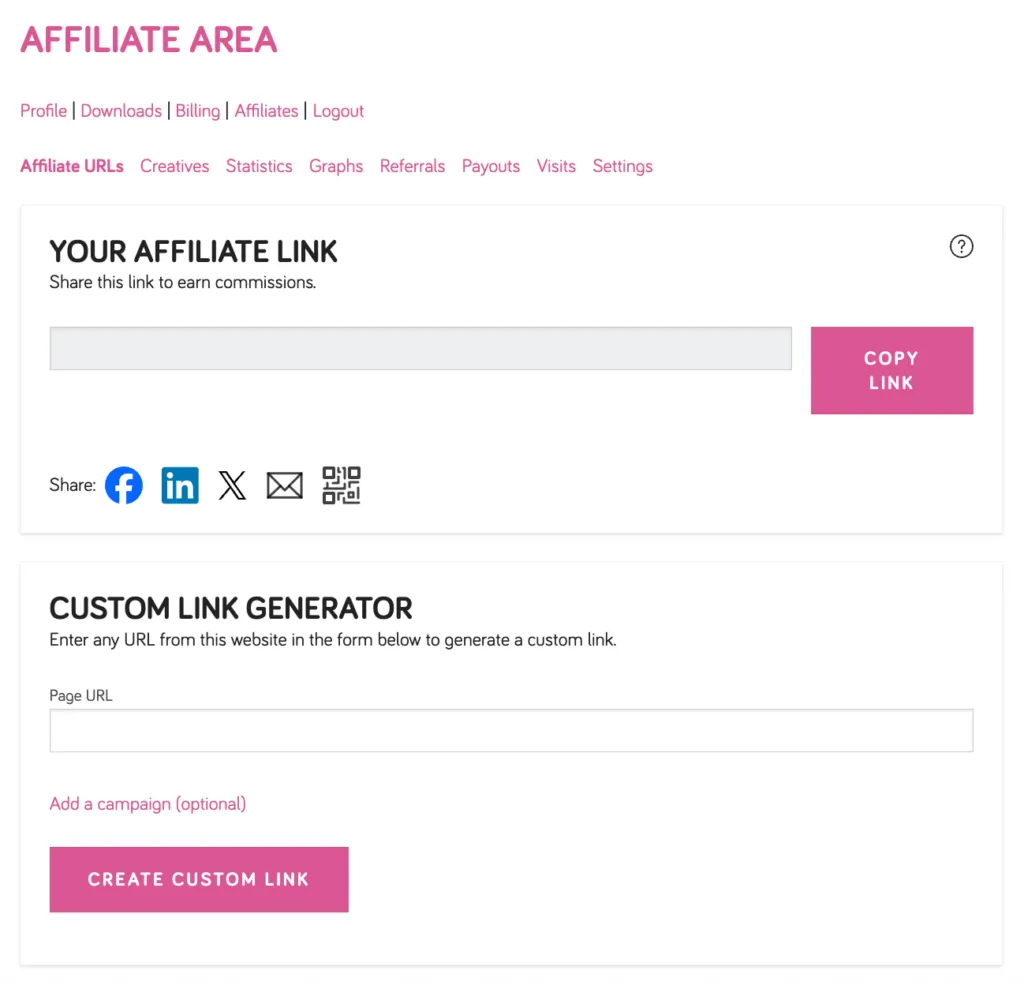
- In your blog post editor, highlight the text you want to link, then paste your affiliate link as the URL.
For a banner:
- Go to Account → Affiliates → Creatives and click View Details on the banner you want to use.
- Click Copy Code to copy the HTML embed code — it already includes your affiliate link.
- In your blog post editor, switch to HTML/Code view and paste the embed code where you’d like the banner to appear.
