
How do I post my affiliate banner in my sidebar?
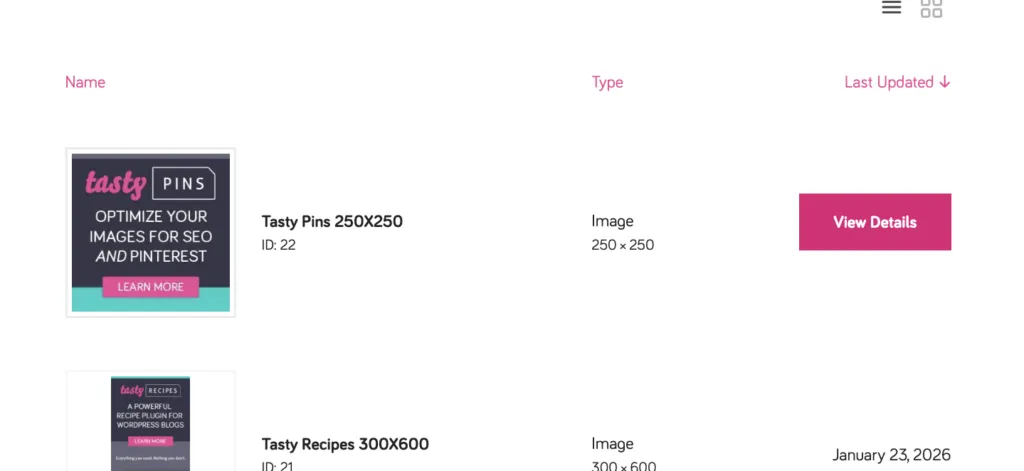
Step 1: Go to Account → Affiliates → Creatives and click View Details on the banner you want to use.
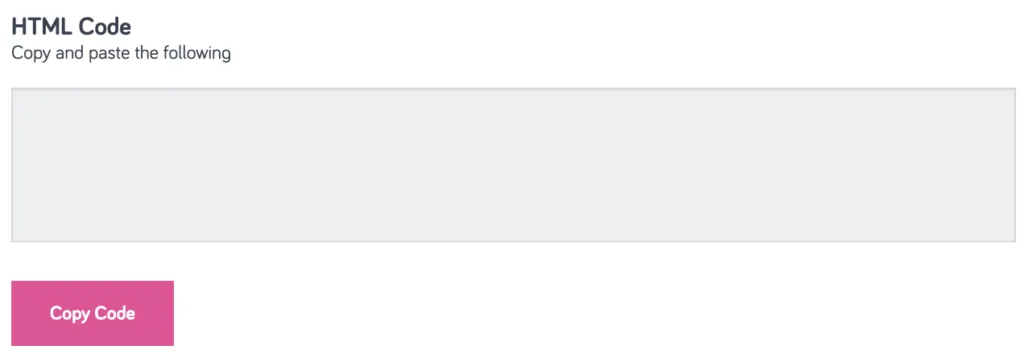
Step 2: Click Copy Code to copy the HTML embed code. This code already includes your affiliate link, so no extra setup is needed.
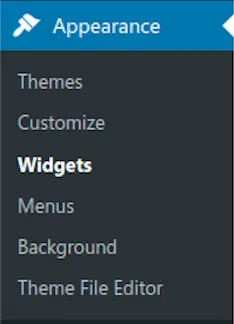
Step 3: In your WordPress dashboard, go to Appearance → Widgets.
Step 4: Add a Custom HTML widget to your sidebar and paste the embed code inside it. Save your changes.
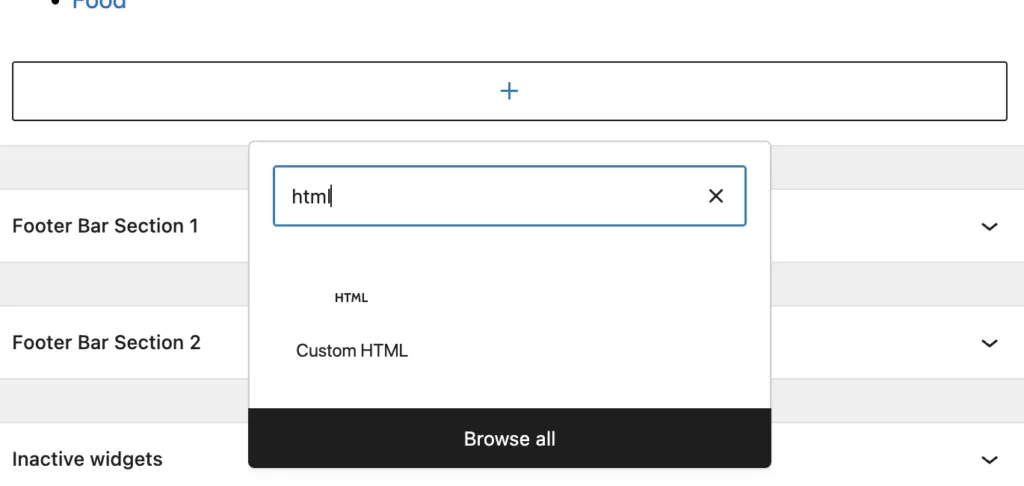
If you’re using a block-based theme, add a Custom HTML block to your sidebar template instead and paste the code there.
