
How to Use Tasty How-To Cards
Tasty Recipes now supports How-To Schema, making it a dual-purpose tool for both food bloggers and DIY, craft, and tutorial creators. While recipe cards use Recipe Schema to help your food content get found in search, How-To cards use HowTo Schema to do the same for any step-by-step content that isn’t a food recipe: think craft tutorials, home improvement guides, beauty routines, tech walkthroughs, and more.
HowTo Schema signals to search engines exactly what your content is, which can improve how your posts appear in search results and rich results.
Enable How-To Cards in Settings
Before adding a How-To card to a post, you’ll need to enable the feature in your plugin settings.
- Log into your WordPress dashboard.
- Navigate to WP Tasty → Tasty Recipes.
- Click the Settings tab.
- Toggle on How-To Cards.

You also have the option to change the field names in your How-To cards under the toggle.
If you leave them blank, your How-To card fields will show as: Materials, Instructions, Tools, and Jump to/Print Instructions.
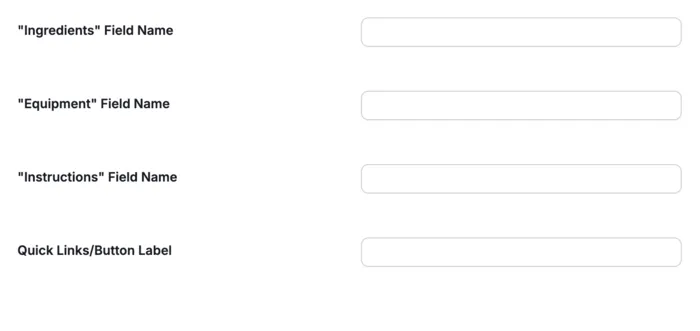
Once enabled, you’re ready to start adding How-To cards to your posts.
Adding a How-To Card to a Post
-
Navigate to your post and click the (+) button to add a new block.
-
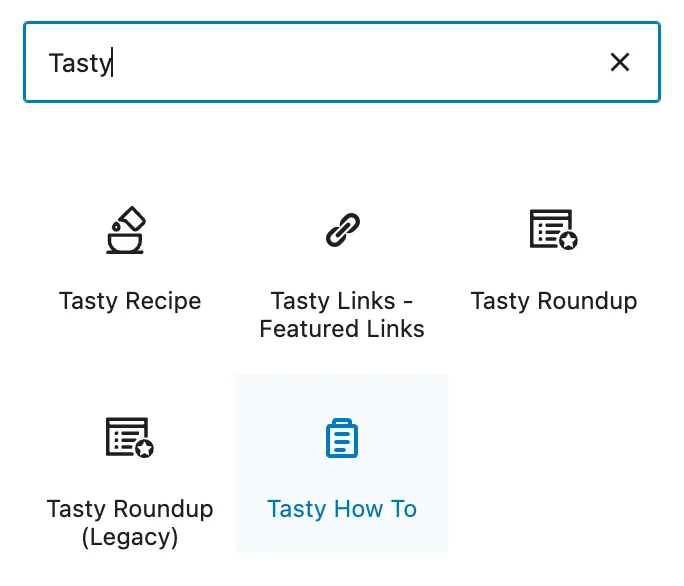
Search for “Tasty How-To” and select the block.
-
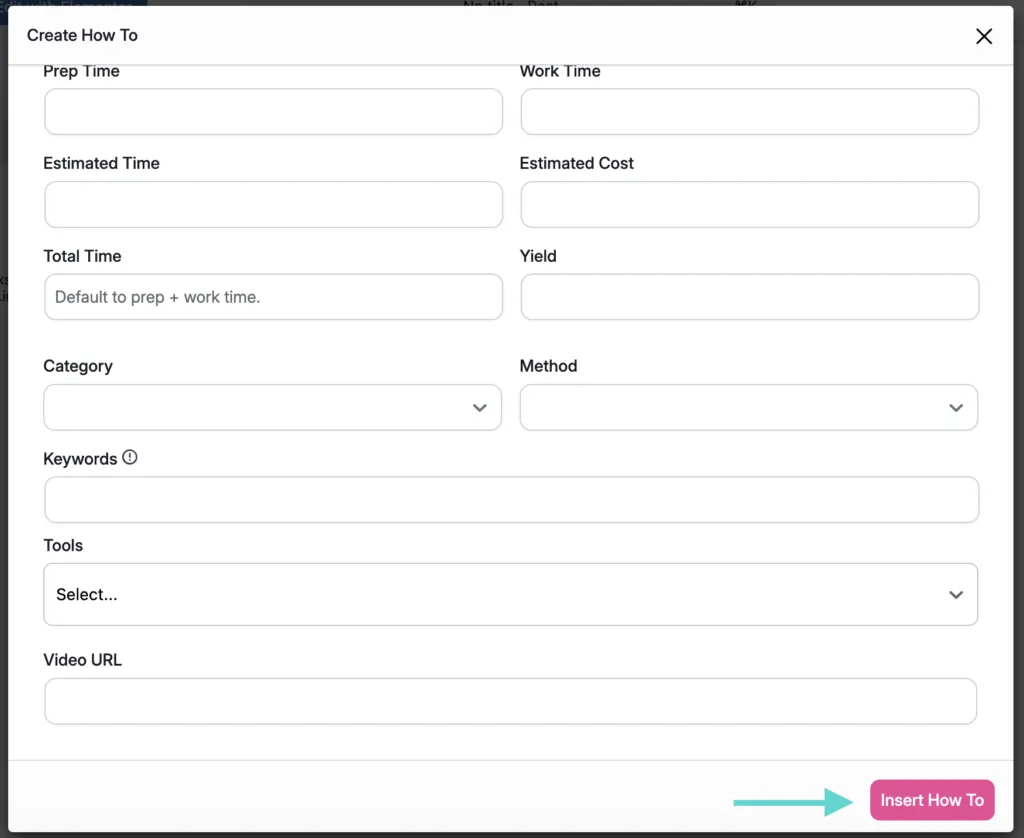
Fill out your How-To details and click the Insert button.
-
Your How-To card has been inserted in your post! You can see the preview on the post editor page.
-
…or on your site after you click Preview or Publish.
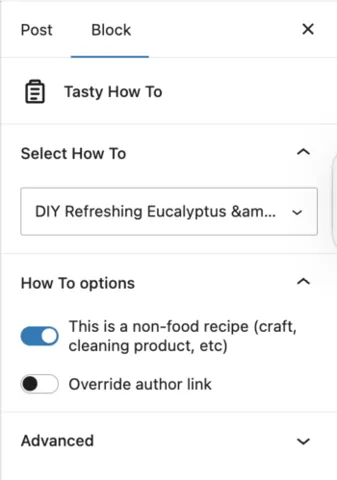
Note: the How-To Schema toggle is automatically enabled on all How-To cards by default in the WordPress post editor — no need to set it manually each time.
Adding a How-To Card from the Recipe Explorer
You can also create and manage How-To cards directly from the Recipe Explorer tab (WP Tasty → Tasty Recipes → Recipes & How Tos).
Create a new How-To card to save for later, or edit existing How-To details without opening individual WordPress posts — just like you would with a standard recipe card.

