Tasty Pins Features
Everything Tasty Pins does for your site, in one place.
Browse every Tasty Pins feature below, or jump straight to pricing.
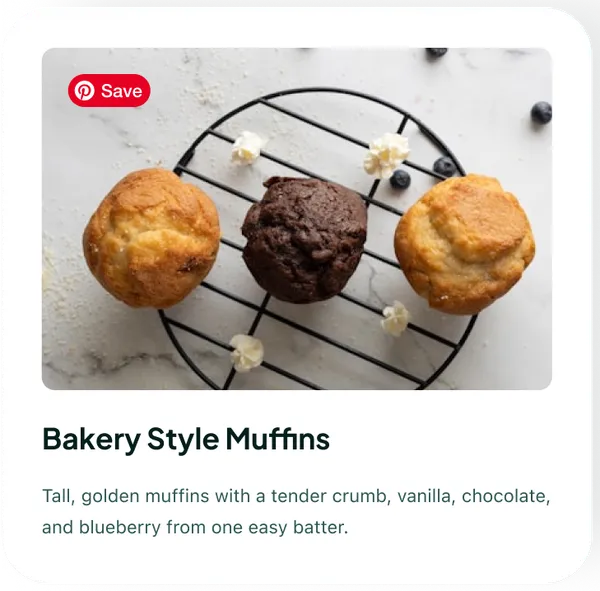
A Custom Pinterest Save Button for WordPress Bloggers
Tasty Pins gives you and your readers a Pinterest save button that belongs. Style it, turn mobile on, and pick where it shows. From blog views to one-tap saves.
See how it works →
Disable Pinning on Certain Images
Learn more about how to disable pinning on individual images within your post with just a checkbox through Tasty Pins here!
See how it works →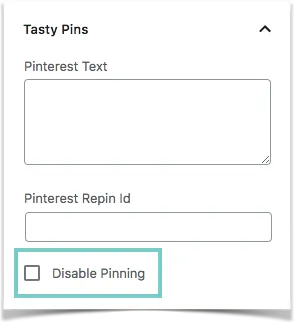
Force Readers to Save a Specific Image to Pinterest
Learn more about how to force a hidden image through Tasty Pins so that readers can save your Pinterest-specific image here!
See how it works →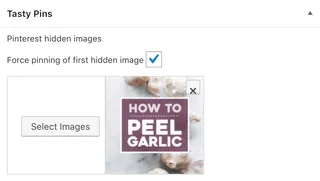
Get More Followers on Pinterest with a Pinterest Follow Box
Tasty Pins helps turn readers into Pinterest followers with a Pinterest follow box that pops up after someone pins your post. Easy to set up and brand-friendly.
See how it works →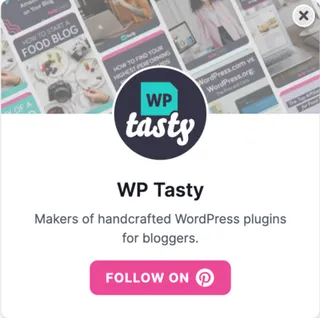
Hide Pinterest Images in WordPress Without Losing Saves
Want to hide Pinterest images in WordPress? Use Tasty Pins to keep your blog clean and make sure the Pins you want get saved every time.
See how it works →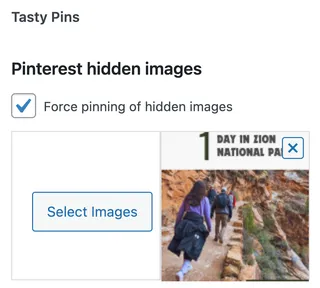
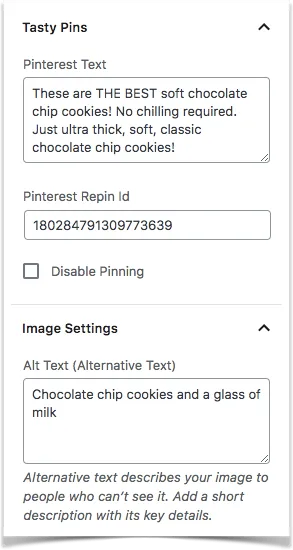
Set Pinterest Descriptions from WordPress
Boost your Pinterest reach! Add better descriptions using Tasty Pins in WordPress. Get discovered with powerful keywords in your Pinterest descriptions!
See how it works →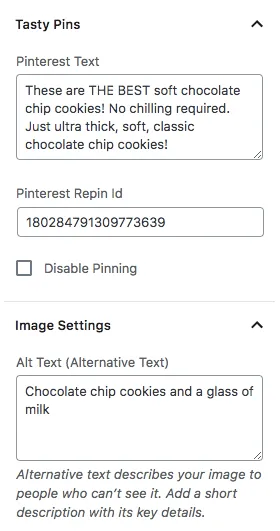
Style Your Own Pinterest Banner for Your Post's First Image
Turn your first image into a one-tap save! The Pinterest banner adds a stylish “Pin this” strip. It's on-brand, clean, and hard to miss.
See how it works →
Tasty Pins Page Builder Support
Tasty Pins works hand-in-hand with the Elementor page builder, fully integrated with Elementor image blocks.
See how it works →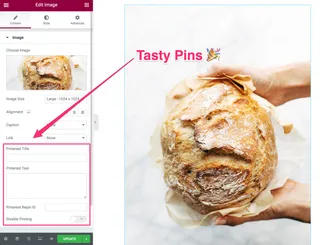
Use Alt Text for SEO and Accessibility
Learn more about why it's important to keep your alt text separate from your Pinterest description and what alt text is used for here!
See how it works →